
How to Use AI for Content Creation: A Simple Guide for Small Business Owners
You have a notes app full of content ideas. A calendar you meant to post to. A newsletter you've been "almost ready" to send for three weeks.
The problem was never ideas. It was always time.
The problem is, most business owners struggle with one thing:
Time.
Most business owners know what they want to say. They just don't have the bandwidth to say it consistently. That's exactly where AI fits in — not to replace your ideas or your voice, but to help you move faster and show up more consistently without burning out.
This guide walks you through a simple, practical way to get started.
Why AI Is Changing Content Creation
Before AI tools, creating content meant writing everything from scratch, spending hours on ideas and editing, and relying on creative energy you didn't always have. Now AI can help you generate ideas, write first drafts, rewrite and improve existing content, create variations of the same message, and speed up production significantly.
The biggest shift is not automation — it’s acceleration.
AI helps you move from “blank page” to “working draft” in seconds.

Step 1: Start With One Clear Content Goal
Before using any AI tool, define what you are trying to achieve.
Ask yourself:
• Am I trying to get more leads?
• Do I want to educate my audience?
• Am I trying to increase engagement?
• Do I want to build brand awareness?
Your goal determines the type of content you create.
Without a clear goal, AI will still give you output — but it may not be useful output.

Step 2: Choose One Simple AI Tool
You don’t need a complicated setup to get started.
A few beginner-friendly options include:
• ChatGPT — for writing and ideas
• Canva — for visuals and design
• Grammarly — for editing and clarity
For most beginners, ChatGPT alone is enough to start producing content quickly.
The key is not the tool, it’s how you use it.

Step 3: Start With a Simple Prompt, Not a Perfect One
One of the biggest mistakes people make is overthinking what to type into AI.
Instead of trying to be perfect, start simple.
For example:
• "Write a social media post about why fast response time matters for small service businesses. Keep it conversational and under 100 words."
"Give me 5 blog ideas for a home services business that wants to use AI to save time."
"Rewrite this paragraph to sound less formal and more like a real conversation."
You don’t need advanced prompts to get useful results. You just need clarity.
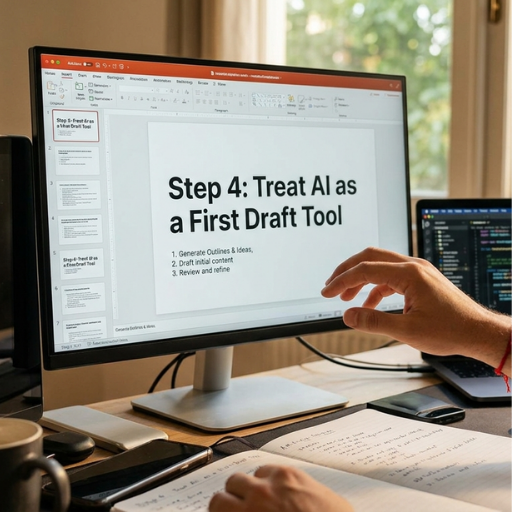
Step 4: Use AI as a Starting Point, Not a Finished Product
AI is not meant to produce final content that you publish immediately.
Think of it as a starting point.
Your workflow should look like this:
Ask AI for a draft
Review the output
Edit for tone and accuracy
Add your personal insight
Finalize and publish
This keeps your content sounding like you, not a machine. The AI does the heavy lifting on structure and speed. You bring the voice and the judgment.
Step 5: Repurpose Everything You Create
A single idea can become a blog post, multiple social media captions, an email newsletter, a short summary post, and a script for a video or reel.
Instead of constantly chasing new ideas, you expand one strong idea into multiple formats.
AI makes that process fast enough that it actually happens instead of sitting on a to-do list.
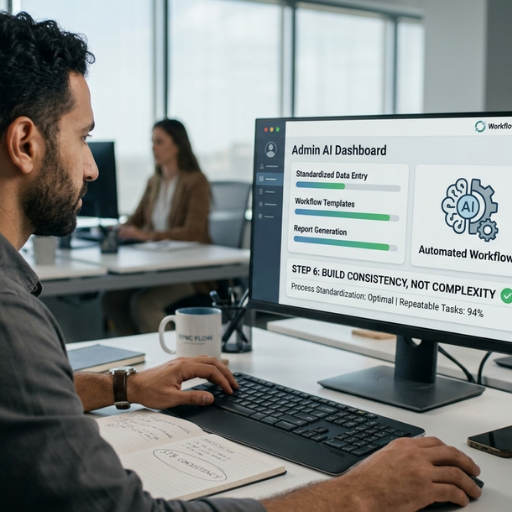
Step 6: Build Consistency, Not Complexity
You don’t need to post everywhere or do everything at once.
Start small:
• 2–3 posts per week
• 1 blog per week
• 1–2 email updates per month
Consistency matters more than volume. AI helps you maintain that consistency without it taking over your schedule. A simple system you actually stick to will always outperform a complex one you abandon.
Common Mistakes to Avoid
When getting started with AI content creation, avoid:
1. Relying 100% on AI output
Always review and edit.
2. Using vague prompts
Be specific about tone, audience, and purpose.
3. Overcomplicating your workflow
Start simple before adding more tools.
4. Ignoring your brand voice
AI should support your voice, not replace it.
The Real Benefit of Using AI for Content
AI doesn’t make you a content creator overnight.
What it does is:
• Remove the blank page problem
• Speed up writing
• Help you stay consistent
• Reduce creative pressure
• Make content creation sustainable
It gives you leverage, not shortcuts.
FAQs:
1. What is AI content creation?
AI content creation is the use of AI tools to help generate, write, edit, or repurpose content faster and more efficiently. It doesn't replace the human behind the content — it speeds up the process so you can show up consistently without spending hours at a keyboard.
2. Can AI fully write my business content?
AI can produce solid drafts, but human editing is essential for tone, accuracy, and brand voice. The best results come from using AI to handle the structure and speed, then adding your own insight and personality before publishing.
3. What is the best AI tool for beginners?
ChatGPT is the easiest starting point for writing and content generation. It's flexible, beginner-friendly, and capable enough to handle everything from social captions to full blog drafts without needing any technical knowledge.
4. How often should I use AI for content?
You can use AI at every stage — brainstorming ideas, writing drafts, editing for clarity, and repurposing existing content into new formats. Most business owners find it most useful as a drafting tool they return to a few times a week.
5. Will AI make my content sound generic?
Only if you let it. When you give AI specific guidance on tone, audience, and purpose — and edit the output before publishing — your content will still sound like you. The more you use it and refine your prompts, the better the results get.
6. How much time can AI save in content creation?
Most small businesses save several hours per week once they have a basic AI workflow in place. The biggest time savings come from drafting and repurposing — two tasks that used to require sitting down and starting from zero every single time..
If content creation is slowing your business down, you don’t need more effort—you need a better system.
We can help you build a simple AI-powered content workflow that saves time and keeps your business consistent online.
👉 Book your free AI strategy call today and see how to streamline your content creation process.