

Have You Installed Gemini on Your Chrome Yet? My Workflow Savior!
As a business owner, I'm always looking for tools that can streamline my processes and boost my productivity. Lately, I've been absolutely blown away by Gemini, especially its integration with Chrome. If you haven't installed it yet, you're seriously missing out!
I am so impressed with how Gemini can "see" the workflows I'm working on directly in my browser windows. It doesn't just look at my typed inputs; it actually analyzes what's happening on my screen, understands the context, and provides incredibly insightful answers and suggestions. This capability is a game-changer!
Here are several examples of how I've been using Gemini and how other business owners could leverage its power:
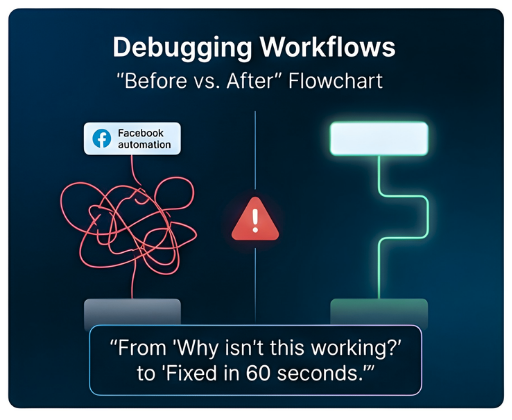
1. Debugging Workflows and Automations
We often work with complex automation platforms and sometimes, despite our best efforts, a workflow just won't trigger or will hit an error. Instead of spending hours meticulously sifting through logs or documentation, I can simply ask Gemini.
My Use Case: Recently, my team was setting up an AI agent to auto-send messages when someone comments a specific keyword on a social media post to send them the guide. The workflow wasn't firing correctly, and they couldn't figure out why.
How Gemini Helped: With the workflow open in my browser, I asked Gemini, "Why isn't this workflow triggering when someone comments 'INFO' on my Facebook post?" Gemini analyzed the open tab, identified a missing integration step for my Facebook page, and pointed out a subtle error in my keyword filter settings. It even suggested the exact steps to correct them! This saved my team hours of frustration.
Business Owner Use Case: Any business owner dealing with CRM systems, marketing automation, or even e-commerce platforms can use Gemini to troubleshoot issues. Whether it's a broken email sequence, a non-updating contact field, or an order processing glitch, Gemini can look at your setup and offer solutions.

2. Website Design and Optimization Feedback
For those managing their own websites or landing pages, Gemini can act as an instant design and UX consultant.
My Use Case: I was tweaking a new landing page for a client and wanted quick feedback on its conversion potential.
How Gemini Helped: With the landing page open, I asked Gemini, "How can I improve the call to action (CTA) on this page for better conversions?" It analyzed the layout, color scheme, and text, suggesting a more prominent button color, a clearer value proposition in the headline, and even rephrased the call-to-action text to be more action-oriented.
Business Owner Use Case: E-commerce store owners can get real-time feedback on product pages. Service providers can optimize their booking forms. Anyone can ask Gemini to check for broken links, suggest SEO improvements based on the page content, or even identify accessibility issues. If you use someone else to build these pages for you, you can even use it as a review tool to give you feedback on how the page could be improved.
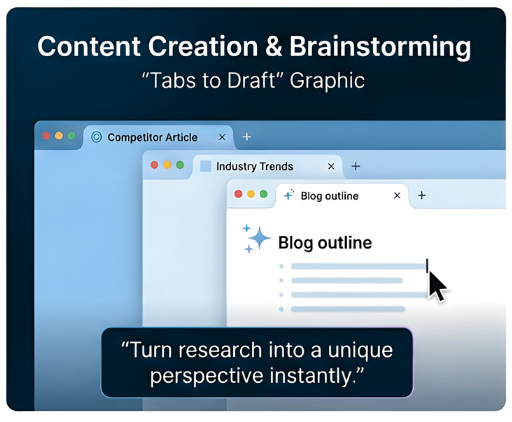
3. Content Creation and Brainstorming
Overcoming writer's block or needing fresh ideas is a common challenge. Gemini's contextual understanding makes it an excellent creative partner.
My Use Case: When staring at a blank document for a new blog post, I often struggle with initial outlines.
How Gemini Helped: I opened a competitor's blog post in one tab and a blank document in another, then asked Gemini, "Can you suggest an outline for a blog post about [topic] that offers a unique perspective compared to this article?" Gemini analyzed the competitor's content and generated a creative, distinct outline with engaging subheadings.
Business Owner Use Case: When you see an article you like, ask it to brainstorm ideas and give you variations that you can make your own. Content creators can get suggestions for video scripts, social media captions, or email sequences based on a few open tabs of related content.
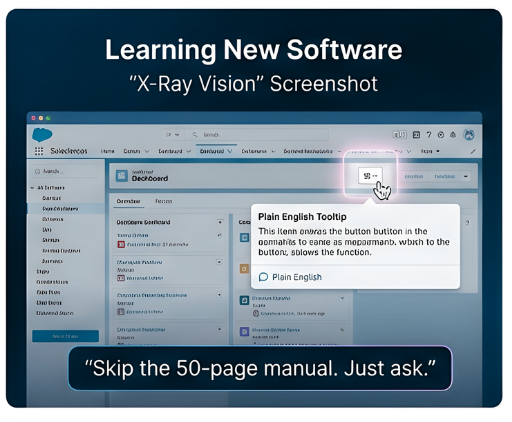
4. Learning New Software and Features
Learning new software can be daunting. Gemini significantly shortens the learning curve.
My Use Case: I was exploring a new feature within a project management tool and their help documentation was not clear on how to implement it.
How Gemini Helped: With the software open, I highlighted a specific section and asked, "Explain how this 'dependency tracking' feature works and give me a practical example of its use in a marketing campaign." Gemini provided a concise explanation and a relevant, actionable example.
Business Owner Use Case: Onboarding new team members to complex software, understanding advanced features in accounting software, or figuring out obscure settings in any business tool becomes much easier with Gemini's guidance.
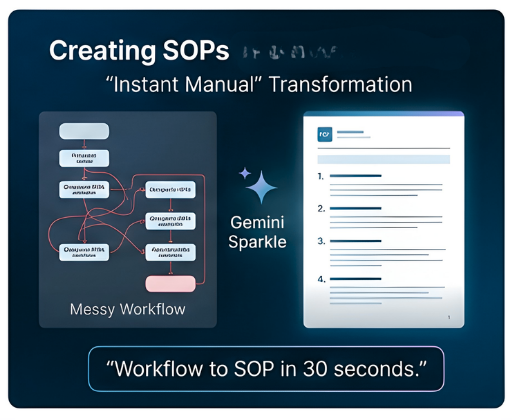
5. Creating Standard Operating Procedures (SOP’s)
Creating SOPs is often a tedious task that business owners put off. However, with Gemini's contextual awareness, you can create a professional SOP in seconds by simply having your workflow or meeting notes open in a tab.
My Use Case: I had created a new workflow for a chiropractic office that would automatically send out their 2026 HIPAA document when a patient had an appointment so that the front desk didn’t have to try to do this for every patient coming in the door. Since this involved multiple workflows for this process that included follow-up if the patient didn’t sign and notification to the staff when someone had signed, I wanted an SOP to show the staff what was happening. asked Gemini to create a clear, step-by-step Standard Operating Procedure that would show the staff exactly what was happening, how to go in and manually send the document if they needed to, and how to troubleshoot any issues. Within a minute, I had a complete SOP to share with the staff on the new process.
How Gemini Helped: Instead of writing this from scratch, I opened my GHL workflow and our team meeting notes in Chrome. I asked Gemini to "create a clear, step-by-step Standard Operating Procedure that will show the staff exactly what was happening in the workflows, how to go in and manually send the document if needed to, and how to troubleshoot any issues.” Within a minute, I had a complete SOP to share with the staff on the new process.
Business Owner Use Case: Any business owner who manages complex or repetitive tasks can use Gemini to eliminate the bottleneck of documentation. Whether you are onboarding new team members to specialized software, documenting accounting procedures, or outlining customer service protocols, you can simply open the relevant tools and notes in your browser. Gemini can then look at your live setup to draft a clear, actionable SOP for your team. This transforms what used to be a 30-minute drafting project into a 30-second review, ensuring your business has documented processes for everything from compliance to daily operations without requiring hours of your time.
The Power of Contextual Awareness
The true magic of Gemini is its ability to not just process your text input, but to actually see and understand what's happening on your screen. This contextual awareness elevates it beyond a simple chatbot. It feels like having an incredibly intelligent, always-on assistant peering over your shoulder, ready to offer insights and solutions based on your live work environment.
If you're a business owner looking to enhance your productivity, solve problems faster, and get smarter insights, do yourself a favor: install Gemini on your Chrome today. It's quickly become an indispensable part of my daily workflow here at Inspired AI Hub, and I'm confident it will transform yours too.
FAQs: Using Gemini for Business Productivity
How do I get Gemini on my Chrome browser?
You can open the Gemini assistant by opening the Gemini app or using the "Ask Gemini" button in the upper right-hand corner of supported Google Workspace apps.
Can Gemini really see what I’m working on in other tabs?
Yes, Gemini in Chrome allows you to share your current browser tab and up to 10 additional tabs. This context enables Gemini to provide insights based on the live data or workflows you are viewing.Is my business data safe when using Gemini for workflows?
For users with a Google Workspace with Gemini license, your data is protected by enterprise-grade security. Your prompts and content are not used to train Google's public models and stay within your organization.What are the best ways for a business owner to use Gemini?
Business owners can use Gemini to debug complex automations (like CRM workflows), optimize website conversion rates, brainstorm content outlines, and quickly learn how to use new software features.Does Gemini support tools outside of Google Workspace?
While deeply integrated with Workspace, Gemini can analyze content from various websites and platforms open in your browser tabs, such as project management tools or marketing automation sites.