
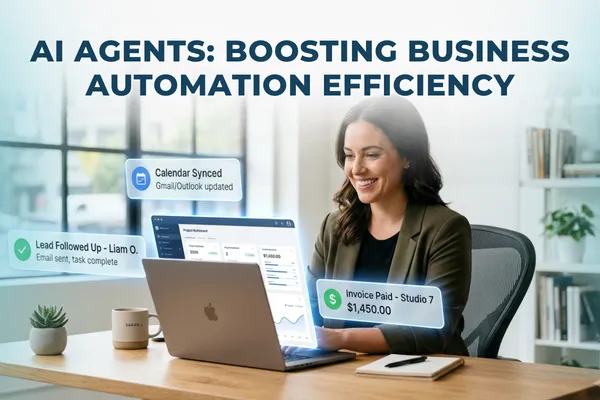
AI Agents: Boosting Business Automation Efficiency
AI Agents, Business Automation, Small Business Growth
If you’ve ever ended the day wondering, “Why am I still answering the same questions, chasing the same tasks, and putting out the same fires?”, this guide on AI agents for business automation is for you. By the end, you’ll know what AI agents are, how they’re different from traditional automation, where they genuinely help small businesses, and how to get started without breaking your systems or your sanity.
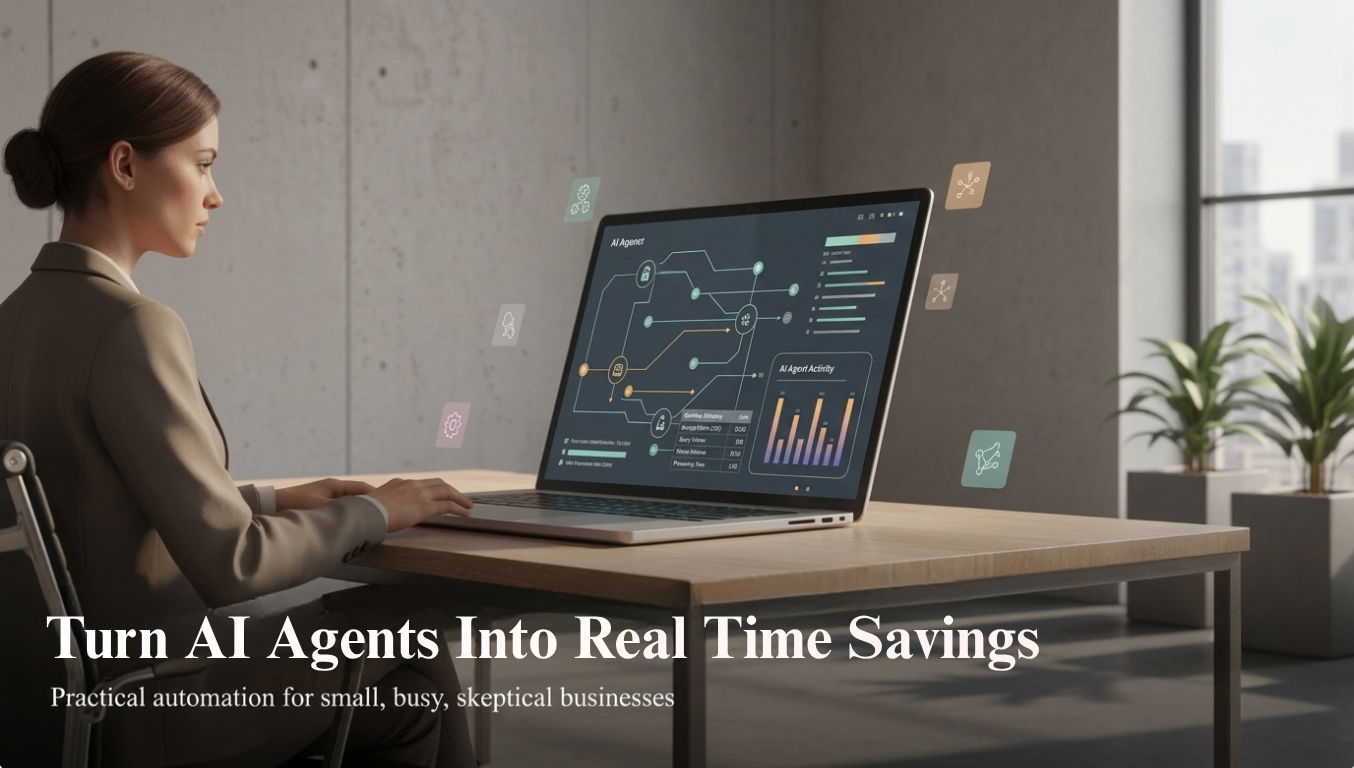
Why do AI agents matter if you’ve already tried “automation”?
Let’s be honest, you’ve probably been promised “automation” before. Maybe you set up a few email sequences, tried a chatbot that annoyed more customers than it helped, or paid for a tool that took more time to manage than it saved. It’s no surprise you’re skeptical about yet another wave of AI hype.
Meanwhile, your real problems haven’t changed: you’re still buried in repetitive questions, manual follow-ups, scheduling, quoting, and “just one quick thing” emails that eat your day. You don’t want a science project, you want hours back, fewer dropped balls, and a business that doesn’t collapse when you take a day off.
💡 Quick promise: This isn’t about replacing you or your team. It’s about giving you capable digital helpers that actually finish tasks, not just suggest ideas.
What are AI agents and how are they different from traditional automation?
Traditional automation is like a vending machine, press the right button, get the same result every time. It’s great for simple, fixed, rule-based tasks: send this email when someone fills out that form, move this row when that status changes, and so on. Helpful, but rigid. The moment something doesn’t fit the rule, it breaks or stalls until a human steps in.
AI agents for business automation behave more like a smart assistant who understands your goal, can navigate different tools, and can adjust when things aren’t perfectly tidy. They use language, context, and data to decide how to reach an outcome rather than just following one pre-written path. McKinsey notes that agentic AI is a major driver behind the next wave of business efficiency and decision-making improvements, especially as these systems learn and adapt over time.
In practice, that means:
Traditional automation: “If invoice is overdue by 7 days, send reminder template A.”
AI agent: “Check who this customer is, review their history, choose the right tone, send a tailored reminder, and if they don’t respond, follow up via SMS, then flag them for a personal call.”
If you want a quick refresher on basic automation vs assistants, the Inspired AI Hub post on the difference between AI automation and AI assistants is a helpful companion read.
How do AI agents actually work behind the scenes?
You don’t need to be technical to use AI agents, but it helps to know what’s happening under the hood so it doesn’t feel like magic or a black box. At a simple level, an AI agent does four things repeatedly:
Understands the goal. You give it an objective “qualify this lead,” “book this appointment,” “respond to this customer,” “summarize this contract and flag risks.”
Reads the situation. It looks at the data it has access to CRM notes, email threads, call transcripts, website behavior, or your knowledge base to understand the context.
Takes actions across tools. Depending on the platform, it can send messages, update records, schedule appointments, create tasks, or trigger other automations in tools you already use.
Checks its own work. Modern agent platforms let the agent review results, correct itself, or escalate to a human when something looks off this is where “controlled autonomy” comes in for small businesses.
Big players like SAP, Microsoft, and Meta are already using these patterns at scale SAP’s Business AI Platform, for example, is rolling out over 200 agents across finance, supply chain, and HR [2]. You don’t need that level of complexity, but you can benefit from the same ideas on a smaller, more focused scale.
What are the real benefits of AI agents in business, not just in theory?
Let’s translate “agentic AI” into outcomes you actually care about: time, money, and stress. Deloitte’s recent report on agentic AI found that 66% of organizations using these systems see productivity improvements, 53% see better decision-making, and 20% report revenue growth. For a small business, those numbers translate into very practical wins:
Time saved: AI agents take over whole workflows qualifying leads, handling routine calls, or preparing reports so you’re not constantly context-switching. Think hours back per week, not minutes.
Money saved: You can delay that next hire, reduce overtime, or reassign staff to higher-value work instead of pure admin. Automation doesn’t have to mean layoffs; Gartner stresses that ROI comes from amplifying people, not replacing them.
Fewer mistakes: Agents don’t get tired or distracted. They follow the same process every time, which is especially useful for invoicing, data entry, and compliance-heavy tasks.
Better customer experience: 24/7 answers, faster responses, and more consistent follow-up without you glued to your phone or inbox. That’s exactly what tools like AI phone agents are already delivering for small businesses (see the Inspired AI Hub post on AI phone agents).

When agents handle repetitive workflows, owners regain hours for strategy, sales, and rest.
Where do AI agents beat traditional automation and where don’t they?
You don’t need to throw away your existing automations. In fact, the sweet spot is combining AI agents with traditional automation so each does what it’s best at. Here’s a simple way to think about AI agents vs traditional automation:
Question Better Fit Is the task always the same, with clear rules? Traditional automation Does it involve reading text, understanding nuance, or choosing tone? AI agents Do you need to adapt based on customer history or behavior? AI agents (often with automations beneath them) Is reliability more important than flexibility? Traditional automation, with human checks
Gartner expects spending on agent software to jump from $86.4 billion in 2025 to $206.5 billion in 2026 and $376.3 billion in 2027. That’s not because everyone is throwing out their old automations, it’s because they’re layering AI agents on top of them to handle the messy, human-like parts of work.
What are practical AI agent use cases for small businesses?
You don’t need a “lab” to use AI agents. You need clear, repetitive workflows that currently steal your time. Here are realistic AI agent use cases for businesses like yours:
1. Call handling and appointment booking
Instead of voicemail black holes, an AI phone agent can answer calls 24/7, capture details, answer FAQs, and book or reschedule appointments. Inspired AI Hub has covered this in depth for both service-based businesses and healthcare practices. An AI agent can:
Greet callers, answer common questions, and route urgent issues to you or your team.
Check your calendar, offer time slots, and confirm bookings in real time.
Send call summaries so you’re never guessing what was discussed.
2. Lead qualification and follow-up
If you’re losing leads because no one has time to follow up properly, an AI agent can help. It can respond to new inquiries, ask a few smart questions, score how qualified they are, and then:
Book calls with high-intent leads directly onto your calendar.
Nurture slower leads with tailored follow-up emails or SMS messages.
Update your CRM so you have a clean pipeline view without manual data entry.
3. Customer support and FAQ handling
AI agents can sit on your website, inside your helpdesk, or even on channels like WhatsApp and Instagram, Meta’s new Business Agent platform is built for exactly this. They can:
Answer common questions about pricing, policies, and services 24/7.
Pull answers from your existing docs, SOPs, or knowledge base and ask for help when they’re not sure.
Create support tickets or tasks when a human needs to step in.
4. Back-office tasks and reporting
Not every agent has to be customer-facing. Many of the highest-ROI AI agent use cases for businesses live behind the scenes:
Turning messy spreadsheets and emails into clean reports you can skim in five minutes.
Reconciling data between tools CRM, invoicing, and scheduling, so you’re not copy-pasting.
Drafting content like emails, posts, or updates based on your data and templates (and yes, you can train AI to match your brand voice, as covered in this post).
How do you implement AI agents in the workplace without chaos?
Implementing AI agents in the workplace doesn’t have to mean ripping out everything you use now. In fact, that’s usually the worst approach. A 2026 research paper on small and medium businesses found that the real value of agentic AI comes from partial autonomy with humans still in the loop, not from trying to automate everything at once. Here’s a simple path that works for most small businesses:
Pick one painful workflow. Not ten. One. For example: missed calls, unreturned leads, or repetitive customer questions. If you’re not sure where to start, the Inspired AI Hub post on repetitive tasks you should stop doing manually is a good scan.
Map the “good enough” version of the process. Write down what “done” looks like, the steps you usually take, and where decisions are needed. This doesn’t need to be pretty bullet points are fine, but it gives the AI agent something to follow and improve on.
Start with human review. In the beginning, have the agent draft responses, actions, or updates, and let a human approve them. As you gain trust, you can loosen the reins maybe it handles 80% automatically and only escalates edge cases.
Measure something specific. Time saved per week, calls answered, leads followed up within 24 hours pick one or two metrics and track them. This is how you know if the AI agent is actually paying for itself, not just sounding impressive.
Iterate, then expand. Once one workflow is working, you can copy the pattern to others like onboarding, billing reminders, or content creation. Think of it as building a small “team” of AI agents over time, each with a clear job description.
If you’d like a broader checklist before you add any AI, the post Before You Add AI to Your Business: 5 Things Small Business Owners Must Get Right walks through the foundations.
What can go wrong with AI agents and how do you avoid the headaches?
You’re right to be cautious. AI agents are powerful, but they’re not perfect. A 2026 benchmark called AutomationBench found that even top agents still struggle with complex, cross-app workflows, often scoring under 10% on the hardest tasks. That doesn’t mean they’re useless, it means you need guardrails. Here are the main risks and how to manage them:
Hallucinations or wrong answers. Solution: give the agent a clear, limited knowledge base (your own docs and policies), and require human review for sensitive issues like pricing changes, contracts, or medical/financial advice.
Over-automation. If you hand over everything at once, you’ll spend more time fixing issues than you save. Solution: start with partial autonomy drafts first, then autopilot for well-behaved scenarios only. This aligns with research recommending “framed, explainable” agentic business processes.
Team resistance. People worry AI will replace them or make their jobs miserable. Solution: be clear that agents are there to remove the boring, repetitive parts, not the human relationship parts. Involve your team in deciding what to automate and measure how much time they get back for higher-value work.
If you’re wrestling with the “jobs vs AI” question, the Inspired AI Hub article Is AI Replacing Jobs or Helping Businesses Grow Faster? offers a grounded view from a small-business lens.
How do you choose the right AI agents for business automation?
The market is crowded, Meta Business Agent, Microsoft Copilot, Freshworks Freddy, and dozens of niche tools. For a small business, the question isn’t “What’s the most advanced?” It’s “What solves my specific problem with the least friction?” Here’s a simple filter:
Start with your use case, not the tool. Call handling, lead follow-up, customer support, or reporting pick one. Then look for agents built for that job, not generic “AI platforms” that require heavy setup.
Check integrations. Does it connect to your calendar, CRM, email, or booking system without a developer? If not, it’s probably not the right first choice. Tools like Freshworks Freddy and Meta’s Business Agent focus heavily on plug-and-play integrations.
Look for control and transparency. Can you set clear rules, review logs, and adjust behavior without writing code? Can you easily switch from “draft mode” to “auto mode” when you’re comfortable?
Evaluate ROI, not features. How many hours could this realistically save each week? What’s that time worth to you? The Inspired AI Hub post How to Decide Which AI Tools Are Worth Paying For walks through this exact calculation.
AI Agents: Revolutionizing Business Automation. Your Key Questions Answered
Are AI agents for business automation too advanced for a small team?
No, if you choose the right starting point. You don’t need a data scientist or an IT department to benefit from AI agents. Many tools now come with prebuilt workflows for calls, leads, and customer support that you simply configure to match your business. The key is to start with one narrow, high-impact workflow instead of trying to “AI everything” on day one.
What’s the difference between AI agents and the chatbots I tried before?
Most older chatbots were glorified decision trees, they followed a fixed script and broke as soon as a customer went off track. AI agents use modern language models and can work across your tools, not just inside a chat window. They can read context, decide what to do next, update systems, and loop back if something doesn’t look right. In short, they don’t just talk, they act on your behalf within clear boundaries you set.
How much do AI agents typically cost for a small business?
Pricing ranges widely, but many small-business-ready AI agents start in the low hundreds of dollars per month, depending on volume and features. The better question is whether they replace several hours of manual work every week. If an agent reliably saves you 10–20 hours a month between you and your team it often pays for itself quickly. Always compare the subscription cost to the value of the time you’re freeing up.
Will AI agents replace my staff or just support them?
For small businesses, AI agents are far more likely to support your staff than replace them. Research from Gartner and Deloitte both emphasize that the strongest returns come when AI augments people, removing tedious work so humans can focus on relationship-building, problem-solving, and sales. The most successful deployments are transparent with teams and involve them in deciding which tasks should be automated first.
How do I know if my business is ready to use AI agents?
You’re ready if you can point to at least one workflow that is repetitive, predictable, and currently handled by you or your team. If you already use basic tools like a calendar app, CRM, booking system, or helpdesk you’re in good shape. The main readiness factor isn’t size or industry; it’s your willingness to start small, measure results, and adjust instead of expecting perfection on day one.
What’s the first AI agent I should set up in my business?
For most small businesses, the best first agent is either a call-handling agent that stops missed opportunities, or a lead follow-up agent that prevents inquiries from going cold. Both tie directly to revenue and time saved, which makes it easier to see whether the investment is working. Once that’s stable, you can expand into support, reporting, or content workflows with much more confidence.
So, are AI agents for business automation actually worth it?
If you’re expecting a magic button that runs your whole company while you sit on a beach, no. That’s not what today’s AI can honestly deliver. But if you’re looking for smart, tireless helpers that can handle the repetitive, structured parts of your work and you’re willing to start small and keep humans in the loop then yes, AI agents for business automation are very often worth it.
Inspired AI Hub focuses on that practical middle ground. We help you identify the workflows that are ready for agents, choose tools that fit your existing stack, and design guardrails so automation turns into measurable time and cost savings, not new headaches. If you’d like help mapping out your first or next AI agent, you can book a free, focused AI strategy call here: AI strategy call with Inspired AI Hub. We’ll look at your real processes, not hypotheticals, and leave you with a clear, realistic plan.