
30-Day AI Plan for Small Business Success
AI for Small Business, Automation, 30-Day AI Plan
How to Start Using AI in Your Small Business: A Simple 30-Day Plan
If you’ve been hearing about AI for years but still aren’t sure how to start using AI in your small business without breaking things or your brain you’re not alone. This guide gives you a clear, realistic 30-day plan to test AI, save time, and reduce stress without turning your business into a tech experiment.

Why AI Still Feels Confusing (Even Though Everyone Says It’s “Simple”)
Let’s be honest, you’ve probably tried an AI tool or two already. Maybe you asked ChatGPT to write an email and spent more time fixing it than if you had just written it yourself. Or you signed up for a “game-changing” app that now quietly bills your card every month while nobody on your team uses it.
Meanwhile, you keep hearing that AI for small business is “essential,” “transformative,” and “the future.” Helpful, right? According to Goldman Sachs, 76% of small businesses say they’re using AI, but only 14% have it fully integrated into their operations most are still experimenting and figuring it out as they go (Goldman Sachs).
So if you feel behind or skeptical, you’re not late you’re just early in doing this properly. Your real problem isn’t lack of tools. It’s lack of a simple, low-risk way to test AI in your existing business, with your current team, in your real schedule.
💡 Pro Tip: You don’t need to “become an AI company.” You just need AI to quietly shave hours off the work you already do.
What AI Can Actually Do for a Small Business (In Plain Language)
Let’s skip the buzzwords. When we talk about how to use AI in a small business, we’re really talking about three things: saving time, saving money, and reducing mental load. Not replacing your team. Not turning everything into robots. Just giving you a few extra capable “hands” that don’t get tired or distracted.
Time saved: Many small businesses using AI report saving at least four hours per week sometimes much more on tasks like writing, data entry, and customer replies (Bluevine).
Money saved: AI tools can act like a part-time assistant, marketer, or analyst for a fraction of the cost of hiring another person without replacing the humans you already trust.
Stress reduced: AI helps you handle the repetitive, mentally draining work drafting emails, summarizing meetings, logging notes so you can focus on decisions, customers, and growth.
If you want a fuller picture of where AI already fits into small business life, you may find What Is AI and How Is It Actually Being Used in Small Businesses Today? a useful primer before (or after) you work through this 30-day plan.
Your 30-Day AI Plan for Small Business: One Simple Focus at a Time
Instead of trying to “implement AI” everywhere, this 30-day AI plan for small business focuses on one thing researching and understanding your prospects better while building reusable habits and simple automations along the way. You’ll walk away with real wins and a clear sense of what’s worth scaling.
Days 1–3: Clarify the Problem AI Will Help You Solve
Before opening any tool, answer one question: Where are you losing the most time with prospects or leads? Common answers:
Researching each prospect before a call or proposal.
Writing follow-up emails that sound personal, not copy-pasted.
Remembering who said what, when, and what you promised.
Pick one of these as your first AI target. That’s your “North Star” for the month. If you’re not sure which to choose, our post Before You Add AI to Your Business: 5 Things Small Business Owners Must Get Right can help you prioritize the right problem to solve first.
Days 4–7: Pick One Core AI Assistant (Not Ten)
Most small business AI automation starts with a single, general-purpose assistant a large language model that can read, write, summarize, and reason. You don’t need all of them. Choose one that fits how you already work:
ChatGPT – Great all-rounder for writing, brainstorming, and simple workflows. Ideal if you’re just getting started and want lots of examples and templates.
Claude (Anthropic) – Strong at longer documents, thoughtful analysis, and structured reasoning. Good if you deal with detailed proposals, reports, or legal-style content.
Google Gemini – Best if your business already lives in Gmail, Docs, and Sheets. It works directly inside tools you use daily.
Most paid plans for these tools are in the $20–30 per user per month range less than a couple of hours of admin time. If you want a broader overview of options, bookmark AI Tools for Small Business: Getting Started Guide for later comparison.
💡 Pro Tip: Commit to one assistant for 30 days. Switching tools constantly is the fastest way to feel like AI “doesn’t work.”
Days 8–12: Turn AI into Your Prospect Researcher
Here’s where your 30-day AI plan for small business becomes real. Instead of spending 20–30 minutes researching each prospect, you’ll train AI to do the heavy lifting while you stay in control of what’s accurate and what’s not.
Create a simple research template. For example: “Industry, size, key services, recent news, likely pain points, and 3 conversation starters.”
Ask AI to fill it in. Paste a prospect’s website, LinkedIn profile, or a short description and have your AI assistant summarize using that template.
Review and correct. You are the editor. Mark anything that feels off. Over a week or two, your prompts will get sharper and the output will get closer to how you think.
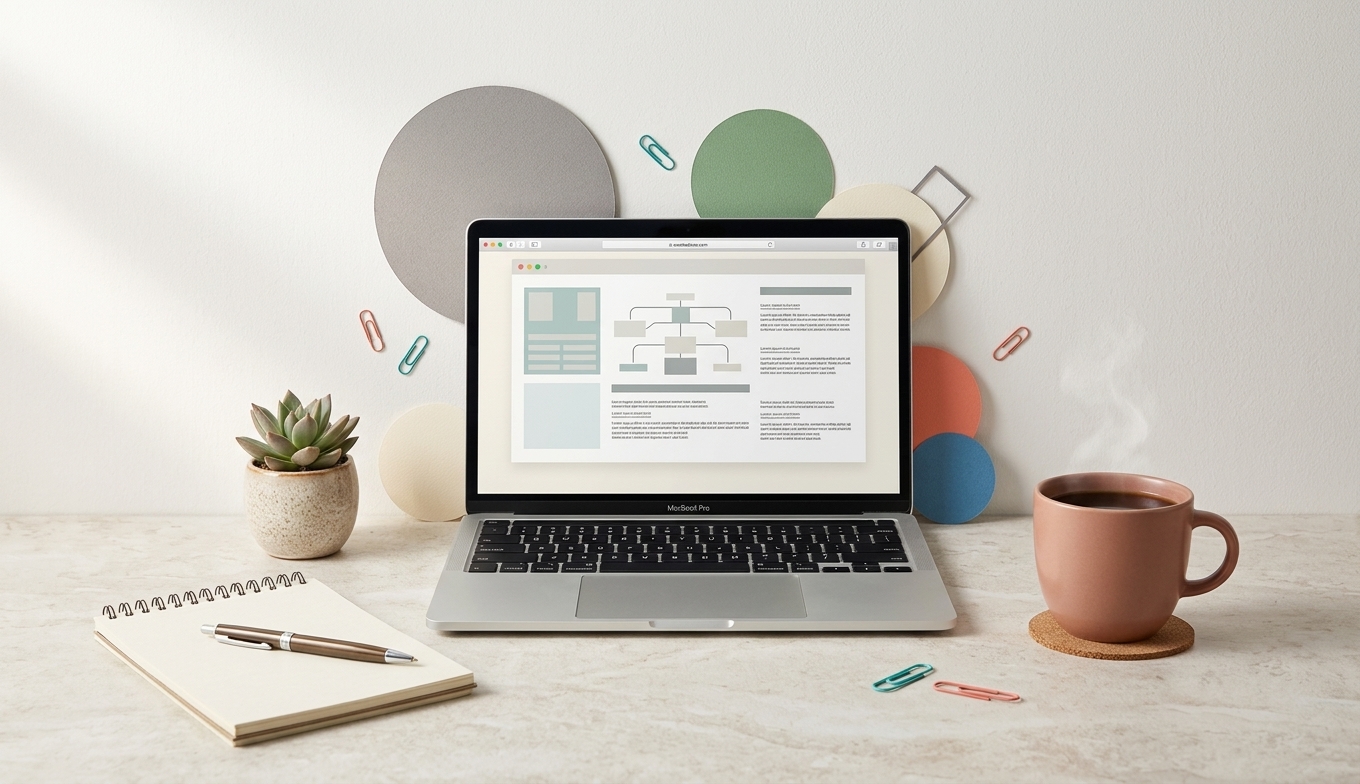
Standardized AI research templates cut prep time while keeping outreach personal.
Before AI, you might research five prospects in two hours. With AI, you can often review ten or more in the same time with better notes and clearer talking points. That’s how AI implementation for small businesses should feel: same work, less drag.
Days 13–18: Use AI to Draft Personalized Outreach and Follow-Ups
Once AI is helping you understand prospects, the next step is obvious—let it help you talk to them. Not with robotic, “We are thrilled to connect” messages, but with structured drafts that sound like you after a quick edit.
Feed your AI assistant the research summary and your usual tone (for example: “friendly, straightforward, no fluff, short paragraphs”).
Ask it to draft a first outreach email, a follow-up, and a “checking in” message for when someone goes quiet.
Save the versions that feel closest to you as templates or snippets in your email tool.
If you want to go deeper on making AI match your voice, this post will help: How to Train ChatGPT to Match Your Brand Voice. Getting this right early makes every AI-written email, proposal, or post feel more natural.
💡 Pro Tip: Think of AI as your “rough draft assistant.” It gives you a 70% version in seconds, you spend two minutes turning it into 100%.
Days 19–24: Add Light Automation Around What Already Works
At this point, you’re using AI for research and writing. Now we add a small layer of automation nothing that can break your business, just enough to remove repetitive steps. This is where AI implementation for small businesses often stalls, because owners jump straight into complex workflows. You won’t.
Start with one simple workflow, for example:
When a new lead fills out a form, your CRM or spreadsheet logs them, and an AI draft follow-up email is created for you to review and send.
After a sales call, your meeting notes are summarized by an AI tool like Otter.ai or Fireflies.ai, and key action items are sent to your task manager.
Tools like Zapier, Notion AI, and ClickUp Brain are good options here. They let you build simple “if this, then that” flows with AI steps in the middle. For more on where automation and assistants fit together, see What Is the Difference Between AI Automation and AI Assistants.
Days 25–30: Review, Measure, and Decide Your Next AI Move
A 30-day experiment only matters if you look back and decide what to keep, what to fix, and what to ignore. This is where you turn “we tried AI” into “here’s how AI fits our business.”
Estimate time saved. Be conservative. Even saving two hours a week on research and writing is meaningful across a year.
Check lead quality and response. Are conversations starting faster? Are follow-ups more consistent? Are your notes clearer?
Decide on your “AI minimum.” What’s the smallest set of AI habits you’ll keep using every week, no matter what?
From here, you can extend AI into other areas content creation, customer service, bookkeeping using the same “start small, measure, then scale” mindset. If you’re curious about content next, you’ll like How to Use AI for Content Creation: A Simple Guide for Small Business Owners.
The Most Useful AI Tools for Small Businesses (And Who They’re Really For)
There are hundreds of tools that claim to offer AI for small business. You don’t need hundreds. You need a handful that match how you already work and where you’re feeling the most pressure. Here’s an honest breakdown.
ChatGPT / Claude / Gemini – Best as your “Swiss Army knife” for writing, research, and idea generation. Right for: owners who wear many hats and need flexible help across tasks. Not ideal if you refuse to review or edit anything AI writes.
Canva AI – Great for quick social posts, presentations, and simple visuals. Right for: businesses without a full-time designer. Not ideal if you already have a strong brand designer and strict guidelines that change often.
Otter.ai / Fireflies.ai – Meeting transcription and summaries. Right for: service businesses with lots of calls, proposals, and follow-ups. Not ideal if you rarely meet with clients live or rely mostly on walk-ins.
Zapier (AI steps) – Connects your tools and adds AI into workflows. Right for: teams already using multiple apps (CRM, email, forms) who want fewer manual copy-paste steps. Not ideal if you’re using mostly paper or a single all-in-one system.
QuickBooks with Intuit Assist – AI inside your bookkeeping to draft invoices, categorize expenses, and surface trends. Right for: businesses already on QuickBooks who want cleaner books with less effort. Not ideal if your accounting is fully outsourced and you never touch it.
If you’re wondering whether you should build something more customized, like your own AI assistant or agent that’s possible too. When you’re ready for that, see Create Custom GPT for Your Business Easily and AI Agents: Boosting Business Automation Efficiency.
What Can Go Wrong with AI (And How to Avoid the Headaches)
Let’s talk about the part most “future of work” articles skip what happens when AI goes sideways. Small business owners cite data security and trust in AI accuracy as two of their biggest concerns, with 33% worried about security and 31% unsure they can trust outputs (Bluevine).
Risk: Wrong or made-up information. AI can “hallucinate” details, especially on niche topics. Fix: Use AI as a first draft, not a final answer. Always verify facts, numbers, and names especially in proposals and financial decisions.
Risk: Leaking sensitive data. Dropping confidential client details into every tool is a problem. Fix: Choose reputable vendors, use business plans with clearer data policies when needed, and avoid pasting anything into AI that you wouldn’t email.
Risk: Tool sprawl and subscription creep. It’s easy to sign up for five overlapping tools and use none well. Fix: Start with a single assistant and one or two workflow tools. Review subscriptions quarterly. Our post How to Decide Which AI Tools Are Worth Paying For can help you cut the noise.
Risk: Over-automating the human touch. Prospects can tell when every message is generic. Fix: Keep humans in the loop for key touchpoints discovery calls, proposals, and tricky customer situations. Let AI handle the grunt work, not the relationship.
💡 Pro Tip: If you’re ever unsure whether to automate something, ask: “If this went wrong automatically, how bad would it be?” Start where the answer is “mildly annoying,” not “business-threatening.”
How to Start Using AI in Your Small Business: A Simple 30-Day Plan — FAQ
Is AI really worth it for a small business with a tiny team?
Yes, if you focus on the right tasks. Think of AI as a part-time assistant that helps with research, writing, and routine admin, not as a replacement for your people. Even saving two to four hours a week can free you up to sell, lead, or rest, which is where your time is most valuable. The key is starting with one or two targeted use cases, not trying to “AI everything” at once.
How much should I budget for AI tools in the first 30 days?
Many owners start effectively with $20–50 per month usually a paid plan for one AI assistant like ChatGPT, Claude, or Gemini, plus maybe one workflow tool. You don’t need a full “stack” to see value. Run your 30-day experiment, estimate hours saved, then decide whether adding more tools makes financial sense based on real numbers, not hype.
I’m not technical, can I still set up small business AI automation?
You can. Modern tools are designed for non-technical users, with visual “if this, then that” builders and templates. Start with simple flows, like generating follow-up email drafts from form submissions or summarizing meeting notes. If you can describe the steps on paper, you can usually build a basic automation or get light help to set it up once and then just use it.
How do I keep AI from sounding generic or off-brand in my emails and content?
Feed AI real examples of your writing and clearly describe your voice tone, formality, words you use, and phrases you avoid. Then ask it to imitate that style, not invent a new one. Save the prompts that work well and reuse them. Over time, AI becomes more of a “voice amplifier” than a content robot, especially if you keep editing and giving feedback on what feels right.
What’s the safest area to test AI first without risking my reputation?
Start behind the scenes: prospect research, meeting notes, internal summaries, and draft emails you review before sending. These use cases give you real time savings without putting unsupervised AI in front of clients. Once you trust the process and outputs, you can gradually move AI closer to customer-facing tasks while keeping a human in the loop.
How do I know if my 30-day AI experiment is working?
Track three simple things: hours saved, number of tasks handled with AI help, and any impact on leads or follow-ups. You don’t need a complex dashboard just a quick weekly note on what AI did for you and what you would have done instead. If, after 30 days, you see consistent time savings and less mental clutter, your experiment is working, even if you’re still refining prompts and workflows.
Bringing It All Together: A Practical Starting Point, Not a Tech Overhaul
Learning how to start using AI in your small business doesn’t require a new strategy deck, a big budget, or a tech hire. It requires one clear problem, one core assistant, and one simple 30-day plan you actually follow. Start with prospect research and outreach, keep humans in the loop, and treat AI as a patient assistant you’re training, not a magic button you press once.
If you’d like help mapping this 30-day plan to your specific business, offers, and tools, Inspired AI Hub can walk through it with you. Book a free AI strategy call at this link and we’ll identify one or two practical AI opportunities you can implement in the next month, no jargon, no pressure.